
Organize Notes by Topic
Group related points from your text under clear topic headings, so you can find and revisit each subject more easily.
Enter a topic or paste your text to create notes for study, research, or work. Get an editable draft with clear headings and key points.
A sample set of study notes
This illustrative example organizes notes on evaluating sources into three key points and a summary.
Topic: Evaluating sources. Author: Relevant experience helps you judge the writer's expertise. Date: Publication and update dates help you assess how current the information is. Evidence: Clear references make it easier to check the evidence behind a claim. Summary: Consider the author's expertise, the age of the information, and the supporting evidence when choosing a source.
Create My Own Notes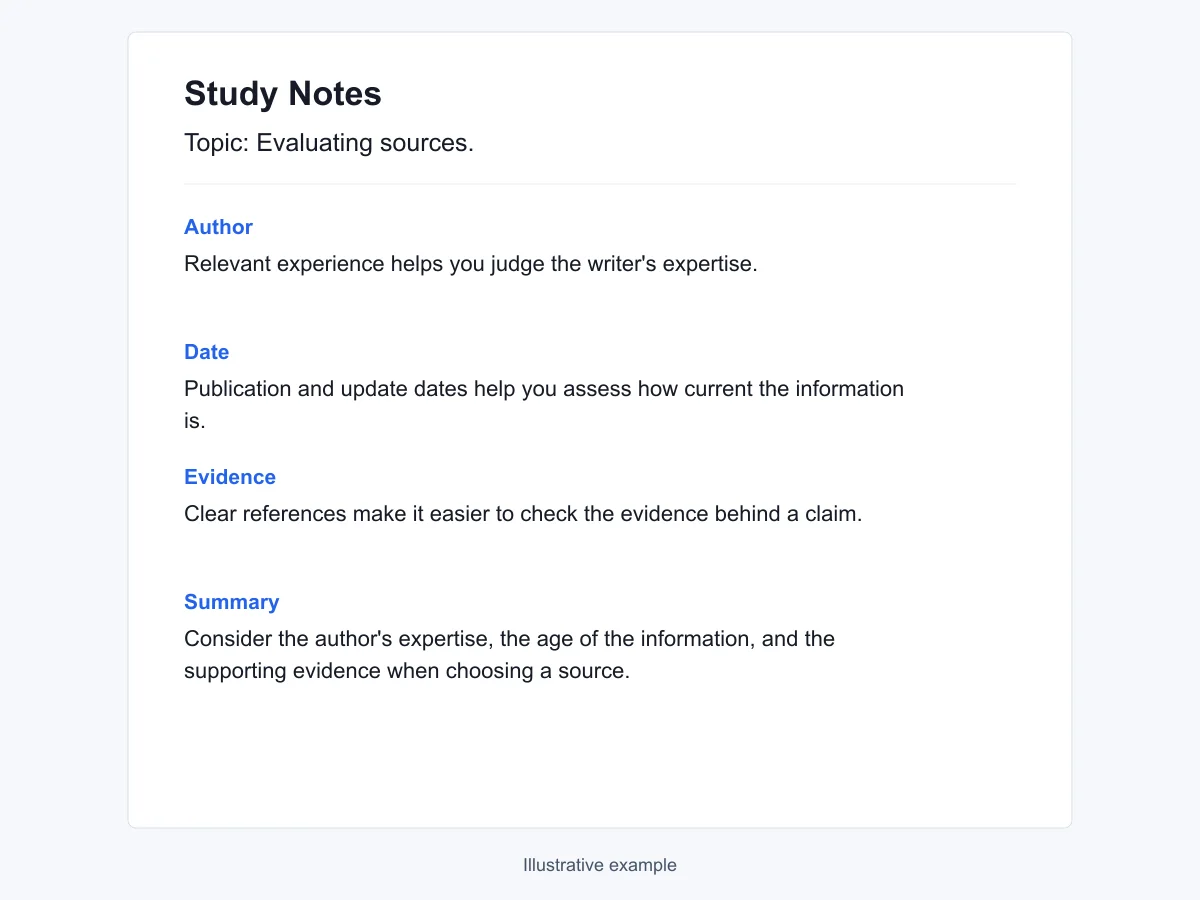
Give your material a clear shape
Use the AI notes maker to turn dense text or scattered ideas into notes that are easier to read and revisit.
Group related points from your text under clear topic headings, so you can find and revisit each subject more easily.
Condense longer passages into key points, with relevant definitions and examples from your text. Add a short summary to bring the main ideas together.
Specify whether you need concise bullets or fuller explanations. When requesting a shorter version, name the terms and examples you want to keep.
When the material is hard to revisit
A page full of highlights or rough notes can still leave you unsure what matters and where to find it.
An article or chapter has plenty of useful details, but the main ideas do not stand out. Highlighting most of the page leaves almost as much to reread.
A class or discussion moves between topics, and your notes follow the same order. Understanding one subject later means piecing together details from several places.
Abbreviations and isolated phrases can be clear during a class or training session but confusing later. Without the explanation, you have to reconstruct what the notes meant.
A useful claim is recorded without its author, page number, or source link. Checking or citing it later means searching for the original material again.
From your material to your notes
Add your topic or text, review the generated notes, then edit and download the result.
Type a topic or paste the text you want to turn into notes. Add the purpose of the notes and any details you want to keep.
Select Generate Notes, then review the draft in the workspace. Check important facts and figures, and compare the notes with your source text if you provided any.
Edit the text directly or ask AI for a specific change. Review the changes, then choose an available format from the Download menu.
For learning and everyday reference
Create notes for course review, lesson preparation, research, or everyday work.
Bring together class notes and reading excerpts around the topics on your syllabus. Keep difficult terms beside explanations you can check against the course material.
Create My NotesTurn your own lesson outline into teaching notes with the explanations and examples you plan to cover. Adjust the language for the class before sharing it.
Create My NotesOrganize pasted excerpts by research question, keeping the source details you supply alongside them. Separate the source findings from your own questions during your review.
Create My NotesOrganize training text, process explanations, or project background into notes for everyday work. Keep the terms, steps, and important details relevant to your role easy to find.
Create My NotesStart with what you already know
A free AI notes generator gives you a starting draft when the material is there but the structure is not. You decide what the finished notes should say.
Begin with a draft you can reorganize and improve. Focus your effort on checking the ideas and adding the details that matter to you.
Your own excerpts give the generator context and terminology to work with. Use them to focus the notes on the material you are actually studying or using at work.
Begin a notes draft without setting up an account. Anonymous usage limits still apply.
Notes created without a template can be downloaded as a Word document (.docx). Keep a copy to edit later in a compatible document editor.
Correct terms, add missing context, or remove points that do not fit your material. Your own review shapes the notes you decide to keep.
Try creating notes from your own material within the current free allowance. Generation and AI revisions share that allowance.
Ideas for your first request
Adapt a prompt below, then add your topic or paste your source text.
Organize my pasted lecture notes by topic. Keep the key terms and the lecturer's examples, and add a short summary for each section.
Create lesson notes for the topic and student level I describe. Organize the main concepts, explanations, and examples in a teaching sequence.
Create exam review notes from these course notes and the syllabus topics I provide. Include key definitions, worked examples, and a list of points I have marked for further review.
Group these excerpts by my research questions. Keep author and source details where I have included them, and separate findings from questions.
Organize this lesson text into grammar points, vocabulary, and example sentences. Use the examples in my material and explain them in plain language.
Turn my onboarding notes into a reference with process steps, terms, and exceptions. Keep the policy wording I mark as important.
Organize my workshop notes by the methods covered. Keep each method's examples, practice exercises, and my observations together.
Create notes from these passages and my comments. Separate the author's ideas from my reflections, keeping the chapter details I supply.
Organize this project background into the problem, relevant facts, and open questions. Keep the links and references I have supplied for later checking.
Before you begin
Find out what to provide, how to use the draft, and which limits to keep in mind.
Need a policy detail? Read the Privacy Policy or Terms of Use.
An AI notes maker creates a draft of organized notes from a topic or text you provide. You can describe the headings, level of detail, and purpose, then check and edit the result.
Yes, you can generate notes for free within the current AI usage allowance. Generation and AI revisions share that allowance, and the service will show a limit message when it is used up. Signing in does not mean unlimited use.
Yes. Paste your class notes or a reading excerpt into this free AI study notes generator, then specify the concepts and examples you want to review.
Include a topic or source text, the intended reader, and the structure you want. Add any terms, figures, page references, or examples that need to stay. More specific material gives the note maker more context to work from.
Not directly. This generator uses a topic or pasted text and does not process attachments or transcribe audio or video. You can paste text you have already extracted or transcribed.
A summary usually condenses the main message. Notes can also keep definitions, examples, supporting details, and questions under separate headings. Ask for the parts that help you study or find information later.
Open the generated document in the workspace to edit its text directly or request an AI revision. Describe a specific change, such as expanding a definition or shortening one section. Check that important details remain after the change.
Notes created without a template can be downloaded as a Word document (.docx). PDF availability depends on the selected template. Check the Download menu for the formats available for your result.
You can start a draft without creating an account. Anonymous use still has limits, and signing in is subject to the account's current allowance.
Yes. Check important facts, figures, quotations, and source details against the original material. If you started with a topic alone, verify the explanations and any references before using the notes.
Enter a topic or paste your text, then describe the notes you need.