
Describe the Profile You Need
The bio maker can use your description of the audience and destination to guide the introduction. Explain whether you are writing about yourself, your work, or a business.
Share your role, experience, and interests with the AI bio maker to create a bio for your professional profile, website, or social account. Review the draft, then refine the wording so it sounds like you.
From a few details to an introduction
Here's a sample bio for a freelance designer's portfolio website.
I'm a freelance designer working with independent food brands. I create packaging, illustrations, and websites that give each brand a consistent look.
Create My Bio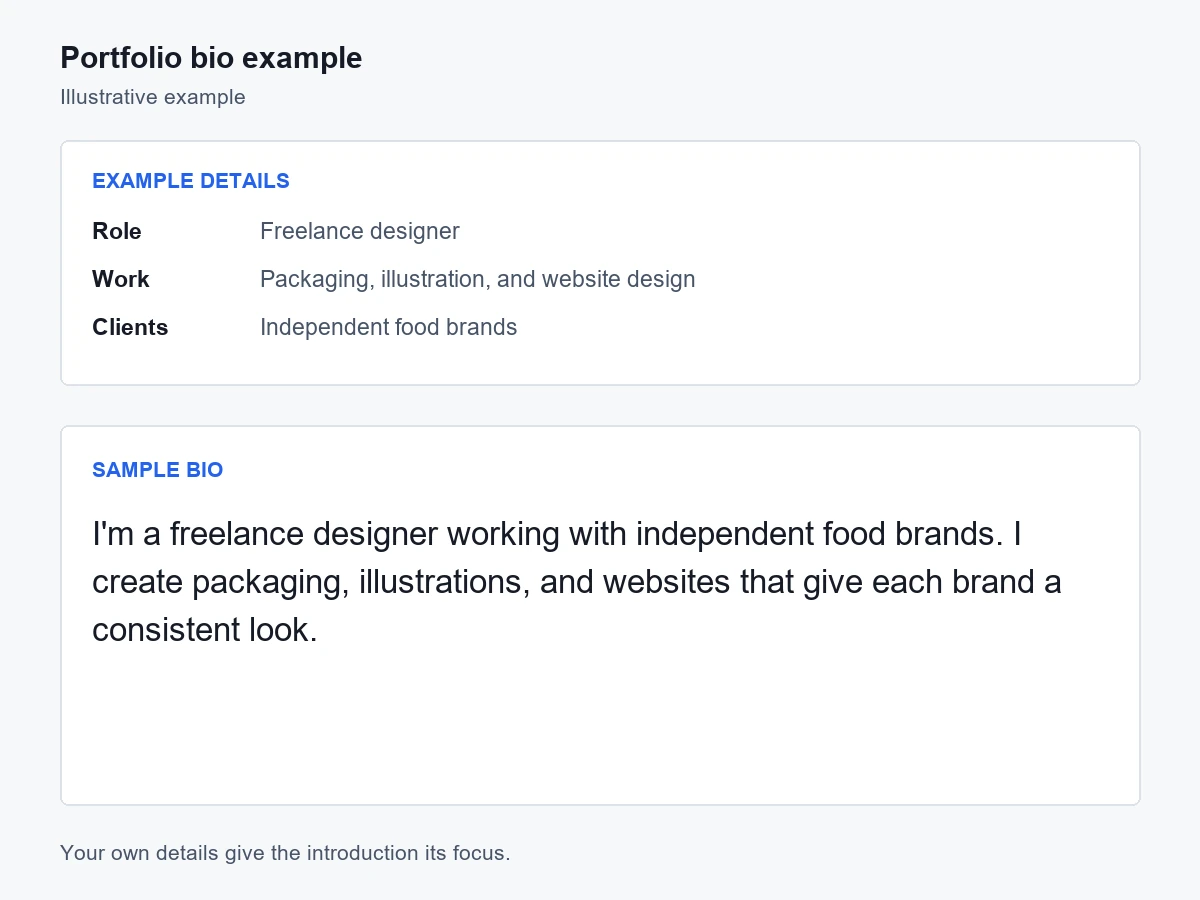
Bio Writing Options
The bio maker uses your details and writing preferences to suggest introductions for different audiences and settings.
The bio maker can use your description of the audience and destination to guide the introduction. Explain whether you are writing about yourself, your work, or a business.
Include any preferred tone or language in your request. Read the draft aloud and revise phrases that do not sound like you.
Use the bio generator to create a starting draft, then describe any changes in the workspace. You can ask for a different opening, shorter wording, or another emphasis.
When writing about yourself gets difficult
You know your own story, but deciding what a new reader needs to know takes a different perspective.
You may have a job title, a few projects, or interests to mention, yet still be unsure how to introduce yourself. Without a clear opening, those details can read like a list rather than a connected introduction.
Describing your strengths can feel awkward when the wording sounds too boastful or overly formal. The bio may describe your work accurately but still sound unlike the way you would introduce yourself.
A bio written for a company team page may feel too formal on a personal social profile. The audience, tone, and amount of detail can change from one setting to another.
There may be little space for your role, experience, and personal details in a short profile. Cutting too much can make the message vague, while keeping every detail can make it hard to scan.
Your next introduction
A few relevant facts and a clear purpose give the bio maker a useful starting point.
Type a few details about your role, experience, and interests, or describe your business. Include where the bio will appear and any preferred length or point of view.
Describe your audience, preferred tone, and language in the same request. Submit it to generate a draft, then review the result in the workspace.
Check names, experience, and other factual details, then edit the wording in the workspace. When the text is ready, select it to copy or use an available download format.
Different people, different introductions
A short bio can introduce your experience, services, creative work, or business to the people you want to reach.
A professional bio generator can help summarize your role and experience for a work profile, team page, or networking introduction. Students and recent graduates can highlight relevant coursework, projects, and volunteering.
Create My BioFreelancers and consultants can introduce their services, areas of expertise, and the types of clients they work with. A concise bio gives potential clients a clear starting point for deciding whether to get in touch.
Create My BioCreators can explain what they share and who their content is for in a social profile, channel description, or personal website. A clear introduction helps visitors understand what to expect before they explore the content.
Create My BioBusiness owners can summarize what they offer and who they serve for a business profile or an About page. A founder's personal bio can focus on their background, role, and reasons for starting the business.
Create My BioA useful place to start
Starting with a draft gives you something concrete to judge, reshape, and make your own.
Start a draft with the free AI bio generator and decide how you want to introduce yourself. Free usage limits apply.
For a one-off profile update or short speaker introduction, you can begin without account setup.
Rough notes about your role, projects, or interests can give the bio creator material to work with before you have a polished introduction.
The finished text can be copied into a profile, website editor, or document, so you can keep using the tools you already work with.
When your role, projects, or services change, your existing bio can provide context for an updated introduction.
Direct editing lets you change individual phrases without generating another AI version. Keep the parts that work and rewrite any wording that feels too formal or unlike you.
Ideas for your own introduction
These examples pair background details with sample bios for professional profiles, websites, and social accounts. Use them as a guide to tone, length, and focus, then give the bio maker your own details.
Example details: Product analyst for subscription businesses, using research and usage data to understand customer difficulties.
Sample bio: I'm a product analyst who helps subscription businesses understand where customers get stuck. I combine research and usage data to help teams decide what to improve.
Example details: Environmental science graduate focused on urban water systems, with fieldwork and university research experience collecting and interpreting environmental data.
Sample bio: I'm an environmental science graduate focused on urban water systems. Through fieldwork and a university research project, I gained experience collecting and interpreting environmental data.
Example details: Inventory consultant with purchasing experience, helping small retailers plan for seasonal demand with practical tools.
Sample bio: I help small retailers plan inventory around seasonal demand. My work combines purchasing experience with straightforward planning tools that teams can use day to day.
Example details: Maya, a customer education specialist creating support guides with product and support teams.
Sample bio: Maya is a customer education specialist who turns common support questions into practical guides. She works with product and support teams to help customers understand and use the product.
Example details: Founder of a local furniture repair workshop, restoring wooden furniture and sharing practical care advice.
Sample bio: I founded a neighborhood furniture repair workshop to help people keep the pieces they already own in use. I restore wooden furniture and share practical advice on caring for it.
Example details: Writer of essays about food, family, migration, everyday meals, and the people who prepare them.
Sample bio: I'm a writer exploring the places where food, family, and migration meet. My essays begin with everyday meals and the people who make them.
Example details: Alex, a software engineer working on accessible public service websites and speaking about design, engineering, and online access.
Sample bio: Alex is a software engineer working on accessible public-service websites. Their talks explore how small design and engineering decisions affect people's ability to complete essential tasks online.
Example details: City gardening creator sharing windowsill experiments, mistakes, and growing tips.
Sample bio: Small-space gardening, one windowsill at a time. Sharing plant experiments, honest mistakes, and tips for city growers.
Example details: Creator of videos about everyday electronics repairs, simple tools, and why devices stop working.
Sample bio: I make practical videos about repairing everyday electronics. Expect careful explanations, simple tools, and a closer look at why things stop working.
Using the Bio Maker
Find answers about free access, writing preferences, and using your finished bio.
Need a policy detail? Read the Privacy Policy or Terms of Use.
Yes, you can generate bios for free without creating an account. Generation and AI revisions share a limited usage allowance. Editing the text yourself does not use that allowance.
Include your role, relevant experience or interests, and the audience you want to reach. Mention where the bio will appear and add any details you want it to highlight.
No, you can use relevant projects, coursework, training, or volunteering to introduce your background. Mention the role or field you want the bio to focus on.
Request one sentence, a short paragraph, or a target word count in the prompt. Treat the requested length as a target and check the actual word or character count before publishing.
First person often suits a personal website or profile. Third person often suits team pages, event programs, and speaker introductions. Specify your preference in the request, or follow the publication's guidelines.
You can create text for Instagram, X, TikTok, LinkedIn, Facebook, YouTube, or another destination. The tool generates text for you to copy into your profile and does not publish to your account.
Include the language you want in your request. Review specialist terms and regional phrasing for your intended audience.
Yes, you can paste your current bio into the prompt and describe the changes you want. Include any new details you want reflected, such as a new role or service.
Select the finished text in the preview and copy it using your browser. If PDF or Word is available in the download options, you can save a copy in that format. Downloading that file does not use an AI request.
Check names, job titles, dates, qualifications, and statements about your experience before publishing. The AI drafts from the details you provide and does not independently verify your background.
Tell the bio maker what you want readers to know and get a draft you can refine.