
Letters shaped by your details
The AI Letter Generator uses your recipient, purpose, and key details to shape the draft, whether you need a job application, leave request, or personal message.
Tell the AI Letter Generator who you are writing to, what you need to say, and the tone you want. Generate a draft, edit it yourself or ask AI for changes, then download a PDF or Word file. Start free, without an account.
A closer look at your letter
Preview your draft in the AI Letter Generator to check the wording, tone, and details before downloading.
Read the opening, main message, and closing together in the AI Letter Maker. Check names and dates, and make sure your main point is clear to the reader. Edit the text yourself or ask AI for changes, then read the updated letter before downloading.
Generate My Letter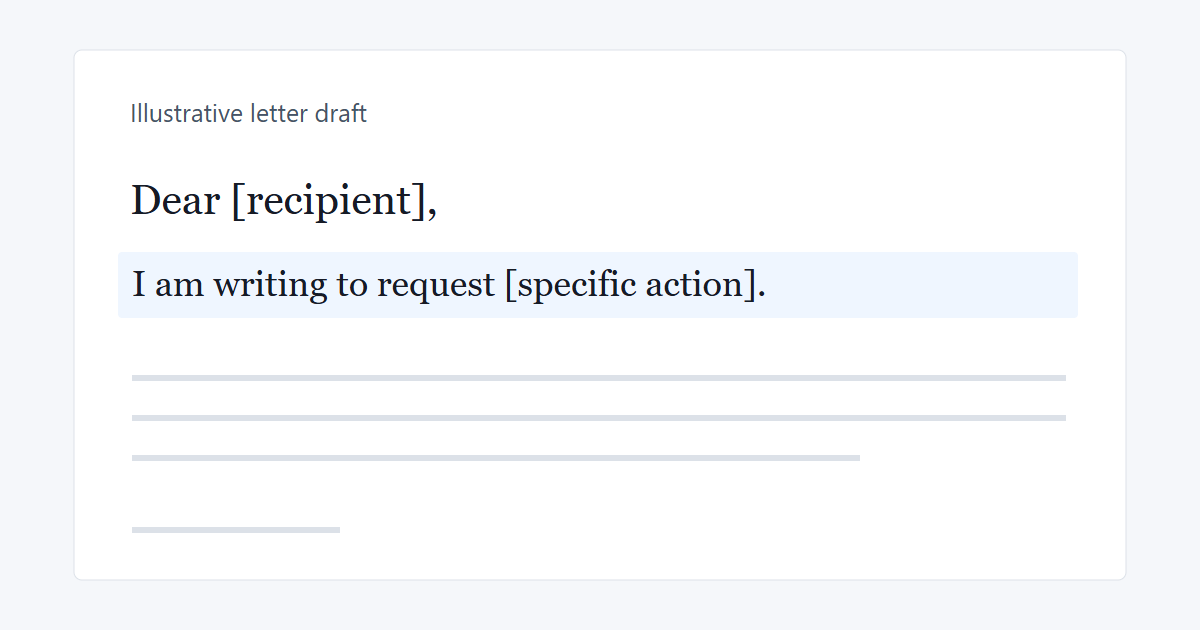
Write it, shape it, keep it
Use the AI Letter Maker to draft a letter, make changes yourself or with AI, and download a PDF or Word file.
The AI Letter Generator uses your recipient, purpose, and key details to shape the draft, whether you need a job application, leave request, or personal message.
The AI Letter Maker combines direct text editing with AI revisions, giving you control over names, dates, and sentences as well as a warmer, more formal, or more concise tone.
The AI Letter Generator provides PDF for sharing a finished letter and Word in DOCX format for further editing, so you can choose the format that fits your next step.
When the message is hard to write
You may know what you want to say but struggle to start, choose the right tone, or organize the details. Use the AI Letter Generator to turn those details into a draft you can refine.
The first sentence can hold up the whole letter, especially when you are writing to an employer or an unfamiliar recipient. Look at the AI letter templates for opening ideas, then tell the AI Letter Maker who you are writing to and why.
A complaint can sound harsher than you intend, while a personal thank-you can feel too formal. Ask the AI Letter Generator to adjust the tone for your recipient and the occasion.
A job application can sound generic when it lists strengths without showing how you have used them. Give the AI Letter Maker a relevant example from your own experience to make the draft more specific.
Too much explanation can make it hard for the reader to see what you want them to do next. Ask the AI Letter Generator to shorten the background and state your request earlier, while keeping the details that support it.
Start with the message you need to send
Describe the letter you need in the AI Letter Maker, generate and refine a draft, then review and download it.
In the AI Letter Generator, describe the type of letter, recipient, purpose, and tone you want. Include relevant names and dates; the AI letter templates below can help you identify any other details to add.
Select Generate My Letter, then read the draft in the AI Letter Maker. Change specific wording yourself, or ask AI to revise a paragraph, adjust the tone, or shorten the letter.
Review the full letter in the AI Letter Generator and check that names, dates, and key details are correct. Download a PDF for sharing or a Word file in DOCX format for further editing.
Letters for work, study, and everyday life
Whether you are writing to a school, an employer, a client, or someone close to you, create a draft you can edit to suit the occasion.
When asking for leave or explaining an absence, you need to state the dates and what you are requesting clearly. Give the AI Letter Maker your dates and reason for writing to get a draft you can review before submitting.
Generate My LetterFor a job application, highlight relevant experience; for a resignation letter, explain your planned final day and handover arrangements. Use the AI Letter Generator to organize those details into a draft you can review and edit before submitting.
Generate My LetterA payment reminder or service update needs clear details and a professional tone. Give the AI Letter Maker the relevant dates, order details, and next step to create a draft you can review before sharing.
Generate My LetterThanking someone, making an apology, or asking for help can feel harder when you care about getting the words right. Tell the AI Letter Generator what you want to say and why it matters, then edit the draft so it sounds like you.
Generate My LetterDecide what matters in a letter maker
The AI Letter Maker lets you start without an account and keep working on the wording after the first draft.
The AI Letter Generator starts from the situation you describe, so you can ask for a specific message rather than a general sample. State what you want the reader to understand or do next.
The AI Letter Maker gives you editable text, so you can keep a useful paragraph and change the parts that do not sound like you. Direct edits do not use your AI request allowance.
Ask the AI Letter Generator to explain a point more clearly or make a request less abrupt. Request further AI revisions within your remaining allowance.
The AI letter templates below show different openings and the details each situation needs. They give your request to the letter generator a starting structure; replace the sample details with your own.
Use the AI Letter Maker without creating an account. Generation and AI revisions share a limit of 20 requests in a rolling 24-hour period; direct editing does not count toward it.
Download the finished letter from the AI Letter Generator as a PDF or Word file. Keep a copy for your records or continue editing it in your preferred document editor.
Find a starting point for your situation
These AI letter templates show how to begin nine common types of letters. Replace the bracketed text with your details, then tell the AI Letter Generator what else you want the letter to include.
“I am writing to apply for the [job title] position at [company].” Give the AI Letter Maker your relevant experience, one achievement, and the reason you are interested in the role.
“Please accept this letter as notice of my resignation from my position as [job title].” “My last working day will be [date].” Give the AI Letter Generator your intended final day and any handover arrangements you want to mention.
“I would like to request leave from [start date] to [end date].” In the AI Letter Maker, add the reason you want to include and any relevant work or study arrangements.
“I am pleased to recommend [name], whom I have known for [length of time].” Tell the AI Letter Generator how you know the person, what they are applying for, and examples of strengths you have seen firsthand.
“I am writing to report a problem with [product or service] that occurred on [date].” In the AI Letter Maker, include your order or reference number, explain what happened, and state the resolution you want.
“Thank you for [specific help or opportunity].” Tell the AI Letter Generator what the person did, how it helped you, and what you appreciated most.
“I would be delighted if you could join us for [event] on [date] at [location].” Give the AI Letter Maker the event time, location, and reply deadline so guests know how to attend and respond.
“I am sorry for [specific action] and for the effect it had on [person or situation].” Use the AI Letter Generator to explain what you take responsibility for and what you genuinely intend to do next.
“I am writing to request [specific action or permission] for [brief reason].” In the AI Letter Maker, explain your reason for asking, add supporting details, and include a response deadline if you have one.
Before you write your letter
Find answers to common questions about the AI Letter Generator, including free limits, templates, editing, and downloads.
Need a policy detail? Read the Privacy Policy or Terms of Use.
You can use the AI Letter Maker for free without creating an account. Generation and AI revisions share a limit of 20 requests in a rolling 24-hour period. Direct editing does not count toward that limit.
Give the AI Letter Generator the recipient, purpose, key facts, and tone you want. Include relevant names and dates, and say whether you need a reply or a specific action.
Start with the sample opening that fits your situation and replace the bracketed text with your details. Explain the rest of your message in your request, then review and edit the generated draft.
Tell the AI Letter Maker whether you want the message to be warm, direct, formal, or brief. Replace phrases you would not normally use and add details that explain your own experience or relationship with the reader.
Yes. Ask for the change you need, such as a shorter paragraph, a clearer request, or a different tone. You can request further AI revisions within the allowance shared with letter generation.
You can edit the text directly in the letter maker. Manual changes do not use your AI request allowance.
Download your letter from the AI Letter Generator as a PDF or a Word document (.docx). Choose PDF for sharing or Word for further editing.
You send the finished letter yourself. Download it, then attach it to an email, print it, or submit it using the method your recipient requests.
A template is optional. Describe the letter you need, or use the AI letter templates as a starting point for your own request.
Check names, dates, factual details, and any placeholders you still need to replace. Make sure the purpose is clear and the tone suits the recipient, then check any required address, sign-off, or attachment before sharing the file.
Describe the letter you need, then create an editable draft with the AI Letter Maker. Start free, without an account.